iOS · one-time purchase
The council
collection calendar,
done properly.
Bins, bills, home upkeep: Cyclio gathers everything that comes back around, each on its own rhythm, into one screen and a widget.
iPhone · no account · everything stays on device
The month sheet
Everything that comes back, on a single sheet.
Each reminder keeps its own rhythm and lands on the right day. That is exactly what Cyclio works out for you, continuously.
- Recycling bin
- Compost bin
- Glass
- Utility bill
- Maintenance
The three rhythms
Three ways to make a reminder come back.
Two reminders, not ten
One the evening before so you can put the bin out, one the same morning. Notifications are grouped so your lock screen never floods.
The home screen widget
Small or medium, on the home screen: the next due dates with their colour dot, without opening the app.
Pause it, annotate it
A reminder pauses while you are away, deletes when it is done, and carries a free note — the bin room code, the filter reference.
Preview
Create, track, never forget
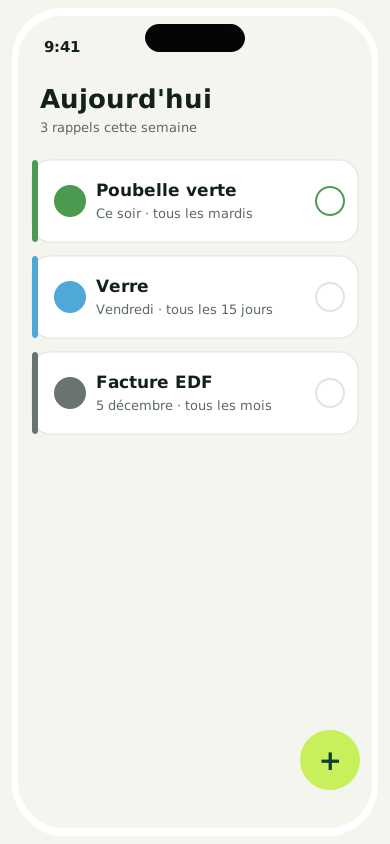
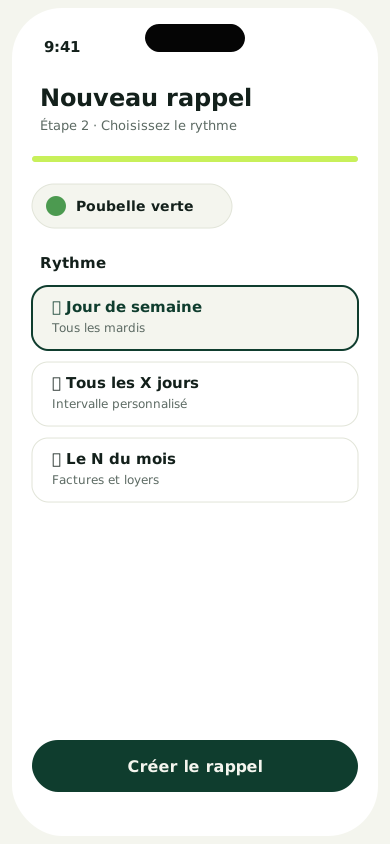
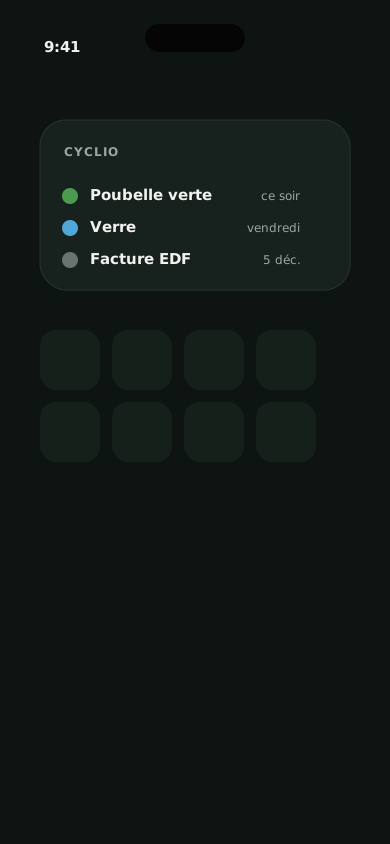
One more reminder, never missed.
Three rhythms, one sheet, one widget. Three reminders free, then a one-time purchase — no subscription, no ads.
Download on the App StoreCyclio isn't on the App Store yet — first reviews will land here at launch.